
DOCUMENTATION
SMS Agents
SMS agents send a first message, continue the thread with AI replies, and keep the same conversation visible in your CRM inbox.
Build an SMS agent
1. Open SMS Agents and create an agent.
2. Write the initial outreach message. This is what Start AI SMS Outreach sends.
3. Add knowledge and CRM tools the agent may use while texting (booking, contact updates, FAQs).
4. Assign a phone number. U.S. A2P registration may be required before high-volume sending.
Inbox and human takeover
Inbox lists every SMS conversation across agents. While AI is active, the composer is locked and the thread shows an AI active badge. Choose Take over to reply as a person. The CRM conversation stays in sync in both directions when Easy AI Assistant is the SMS provider.
Consent
Only text people who have given the required consent. Include opt-out language that matches your messaging policy. Easy Assistants AI does not replace your obligation to collect and honor consent.



WE TURN CLICKS INTO CASH...
WE TURN CLICKS INTO CASH...
24/7 Support • Cancel Anytime
Agent Suite.ai
You’ve Arrived At The Future Of Insurance Sales!
Try it Yourself
Receive a live call from our agent
Unable to find form

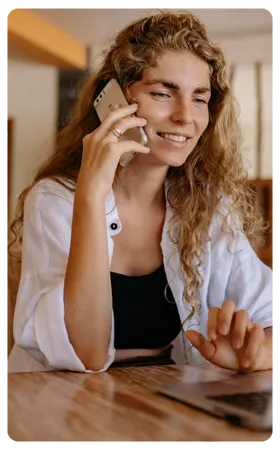

Try it Yourself
Receive a live call from our agent


You're busy. You have a
lot on your plate

The Future of Insurance Agency Management


.
Features
Live Real-time Support
Smart Inbox Suite
Desktop and Mobile App
Sales Management
Lead Capturing
Lead Nurturing
Integrated Calendars
Appointment Booking
CRM
Email Marketing
SMS Messaging
Team Training Portal
Insurance Website
Website & Funnel Builder
Online Review Generator
Reporting & Analytics
1-Year email Campaign
Form & Survey Builder
1-click email & texting
Payments & Invoicing
WebChat Widget
Powerdialer
Team Training Portal
Copyright © 2026 Easy Assistants AI®. All rights reserved.